Your data
In the room.
On your computer.
Everything stays on your computer and your room’s network. Students join without accounts, and there is no cloud.
Read the code
The code is open source under the MIT licence, so a school can see for itself that nothing leaves the room.
Names are your choice
Students appear under the name you give them: a code name, a first name or a student number. Nothing requires a real name.
Students enter the class code and tap the name their teacher gave them. Joining needs no password or email address.
The room’s network
Nothing goes to the internet through Teacher Phase. The program runs on the teacher’s computer and speaks to the local network only.
Students connect to the same network as the teacher’s computer. Allow the program’s runtime on private networks when Windows asks, so those devices can join.
A plain file, and the backups you keep
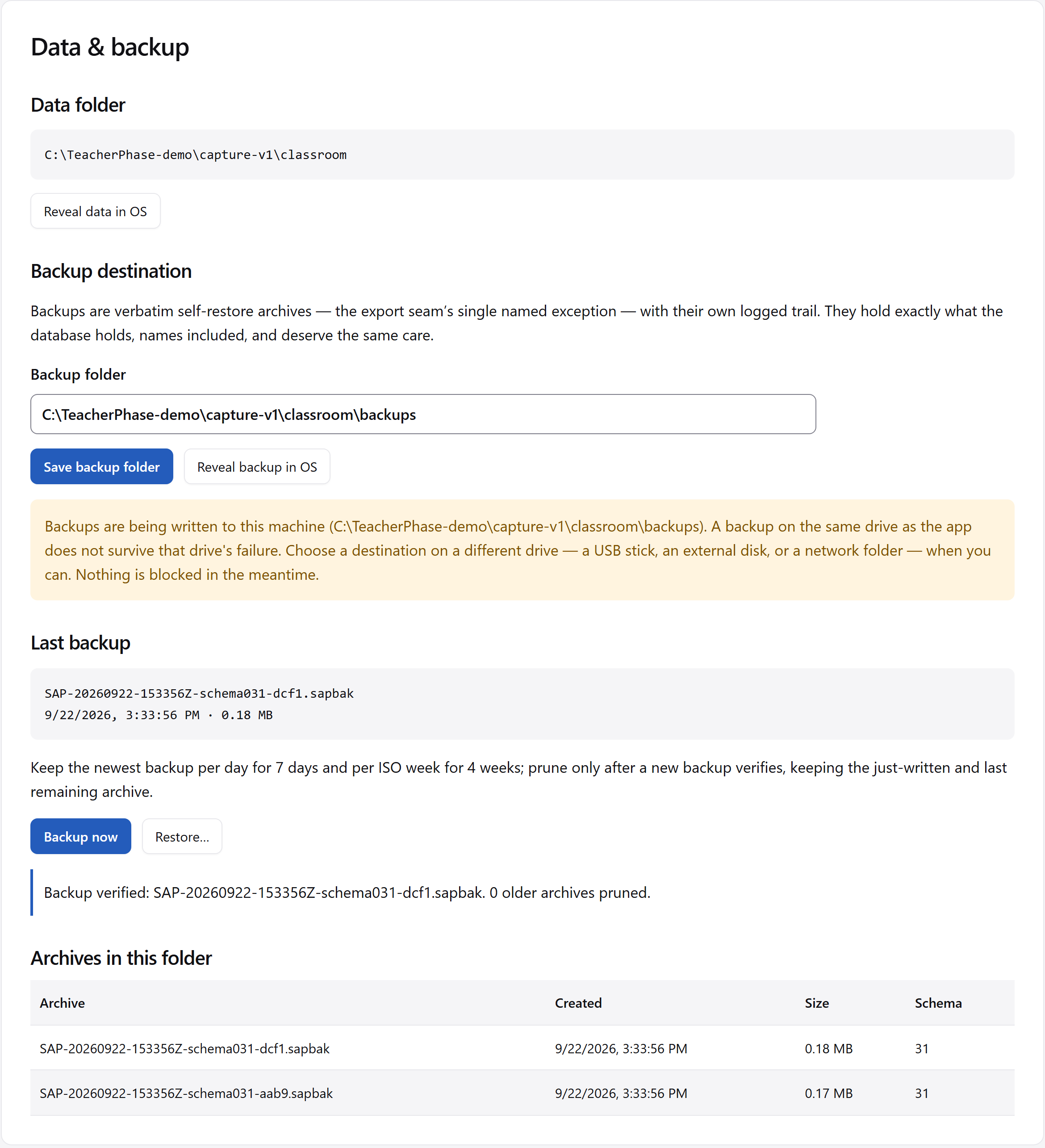
Your data is a plain file on your computer, stored separately from the installed program. In Settings, Data & backup is where you make a verified archive.
You choose where the backups go. Keep a copy off the computer, such as on an external drive, and check that the backup completed.
Use the operating system’s disk encryption. On Windows, BitLocker protects the whole disk, including this data.
Decide who can reach the computer
Settings includes the full privacy statement under About. Read it when deciding where to keep the computer and backups, and who should have access to them.
Moving to another computer