Admin Phase
Make and run exams.
For teachers, tutors and schools
Teacher Phase includes Class Phase, Admin Phase, Exam Phase and Assessment Phase.
Everything stays on your computer and your room’s network, with no cloud.
Free for everyone.
Before the exam
Build an exam or bring it in from a spreadsheet. Review each question with its answer key, then seal the paper for the class.
Meet Admin Phase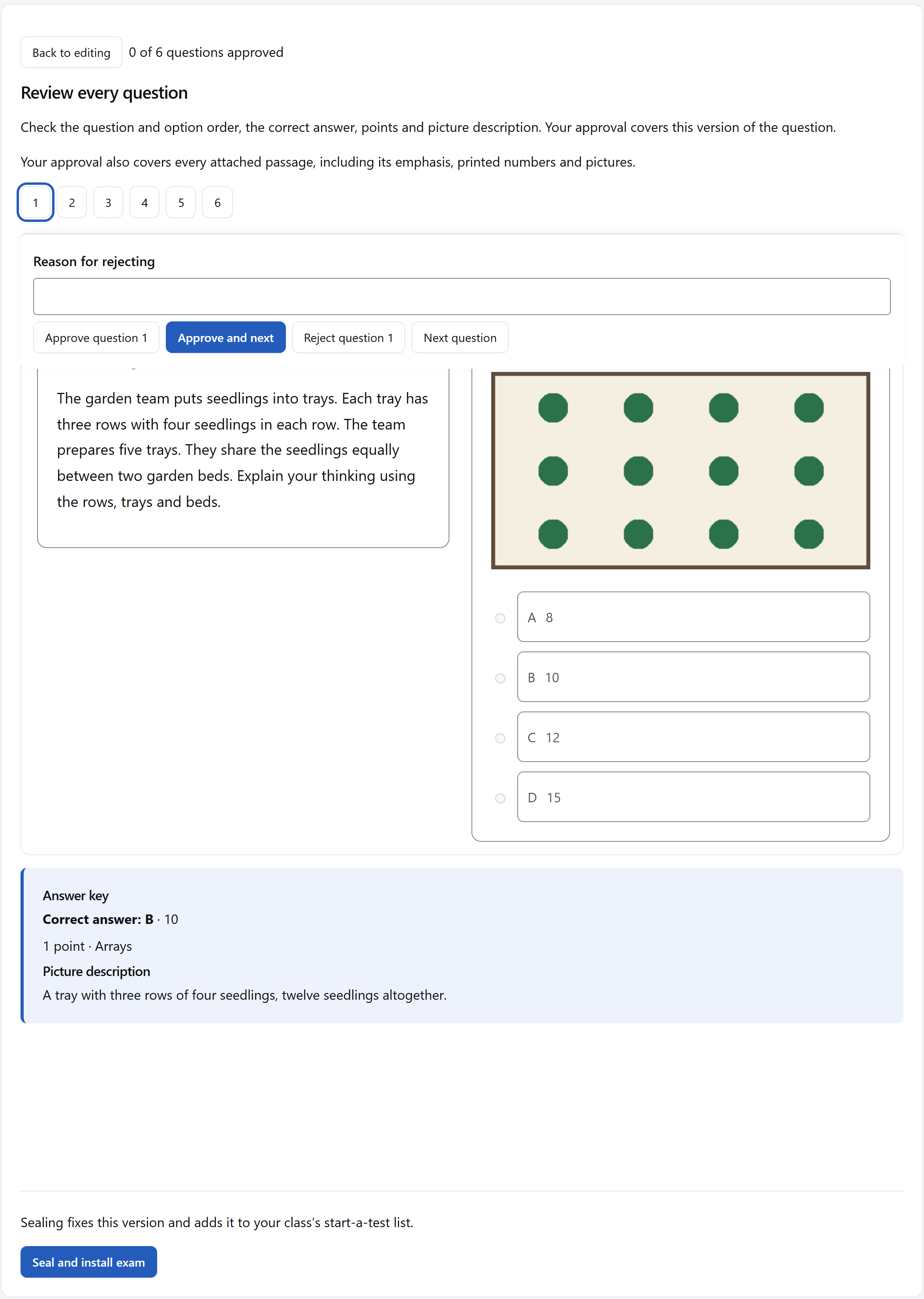
During the exam
Students open the address, enter the class code and tap their name. The live board shows who has joined, their progress and who is paused.
See Exam Phase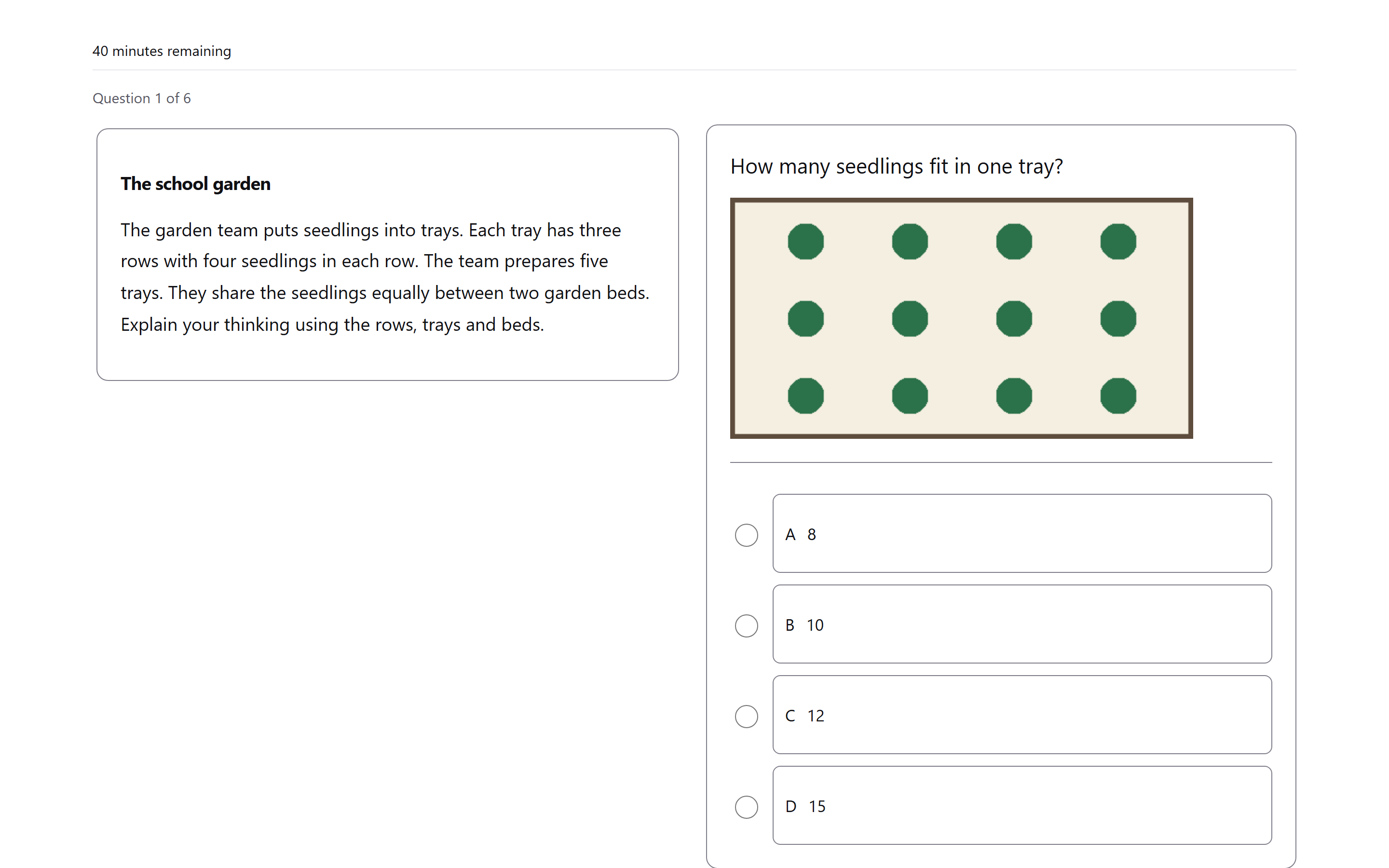
After the exam
Assessment Phase keeps automatic marks and teacher marks in separate ledgers. Mark written answers on screen, then export the results sheet as a file.
Read about Assessment Phase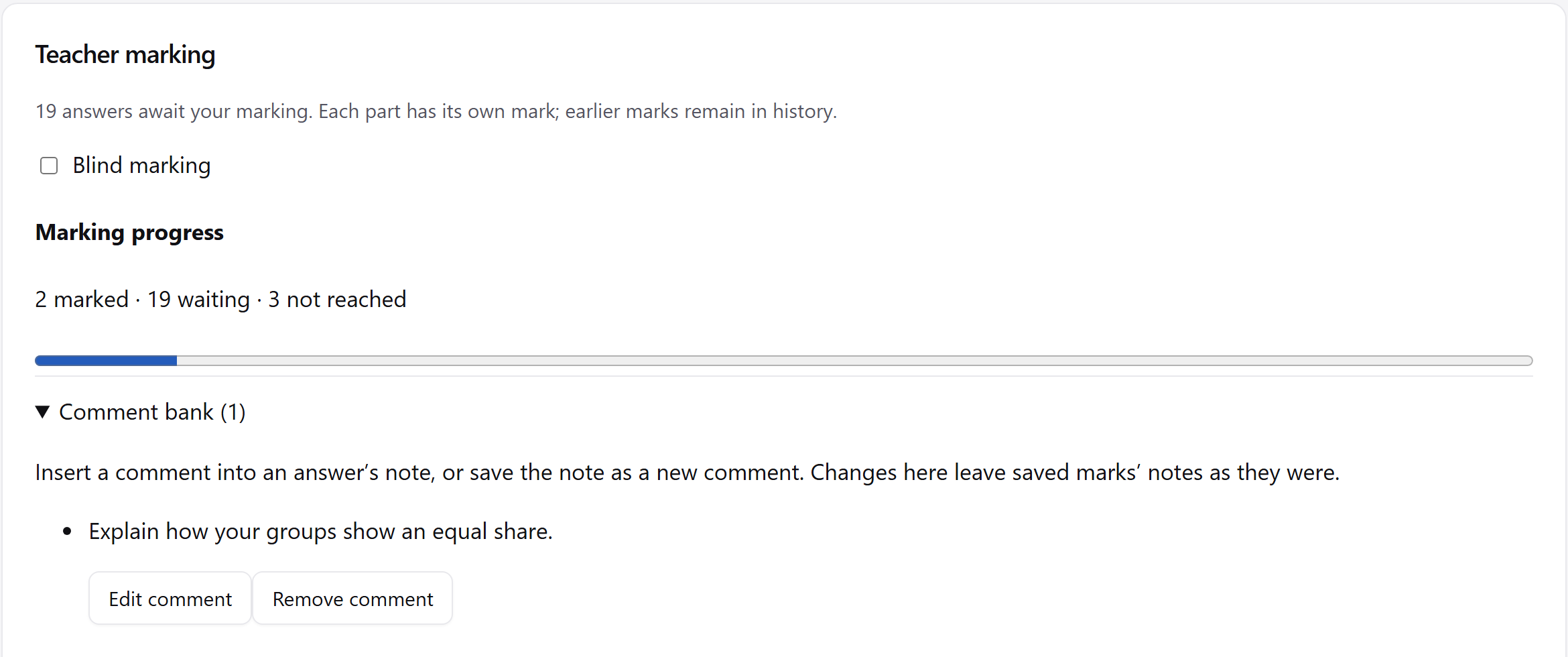
The whole suite
Four parts of Teacher Phase.
Make and run exams.
Where students take them.
Results and marking.
Classroom records.
Your data
Teacher Phase runs on your computer and communicates only over the local network. Your data is a plain file on that computer.
Your data, explainedNo student accounts. No cloud.
Teacher Phase is for one adult giving an exam to students of any age. In classroom mode, you work on your own computer without signing in.
School mode gives each teacher a profile on a shared installation. School sittings admit registered testing stations by default.
For schools and ITBring your exam into Admin Phase. Review the questions and seal it when it is ready.